Reading a Task Page
Task pages are the heart of ATLAS. Each one gives you what you need to decide, quickly, whether a task fits your students and your classroom. To make that easy, every task page is organized into four sections. This guide walks through each one.
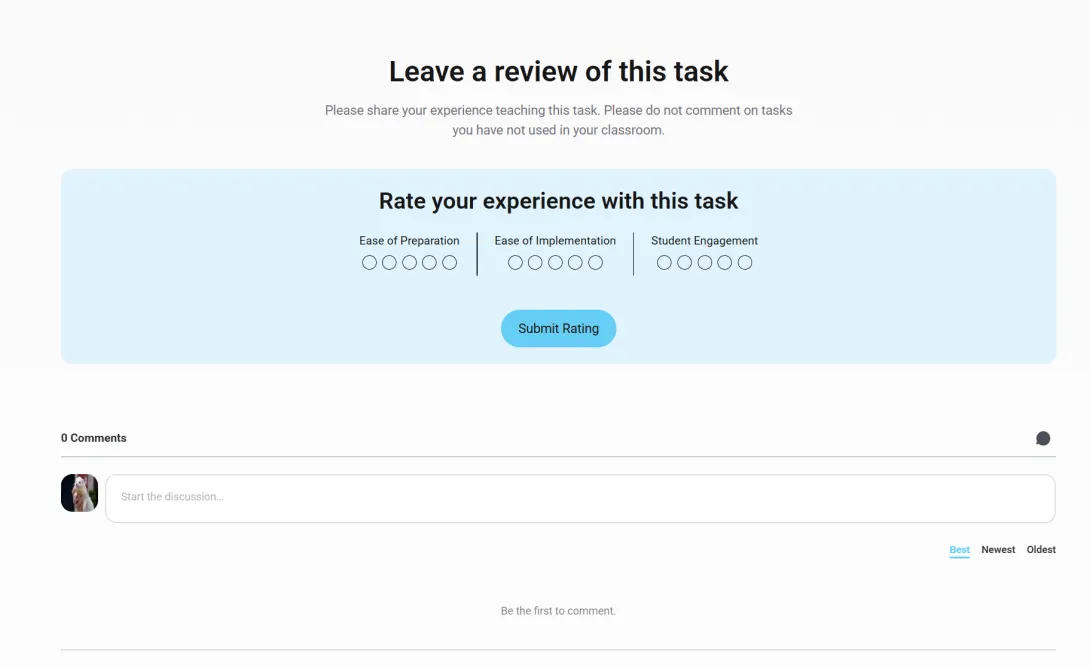
Section 1: At-a-Glance Details
The top of the page gives you the who, what, and when of the task.
- Quick navigation. A bar at the top jumps you to any section of the page.
- Key info. Who created the task, its title, grade band, estimated duration, instructional model, and curriculum alignment.
- Summary. The phenomenon students investigate, a short overview of what they learn and do, and the science domains involved.
- Activities and materials. A sidebar listing the main student activities and any key materials needed beyond the task documents and typical classroom supplies.
- Teacher insights. The average of teacher ratings across three categories. (If no one has rated the task yet, this does not appear.)
- Share and Add. A floating bar with Share (email the task to someone) and + Add (save the task to one of your collections).
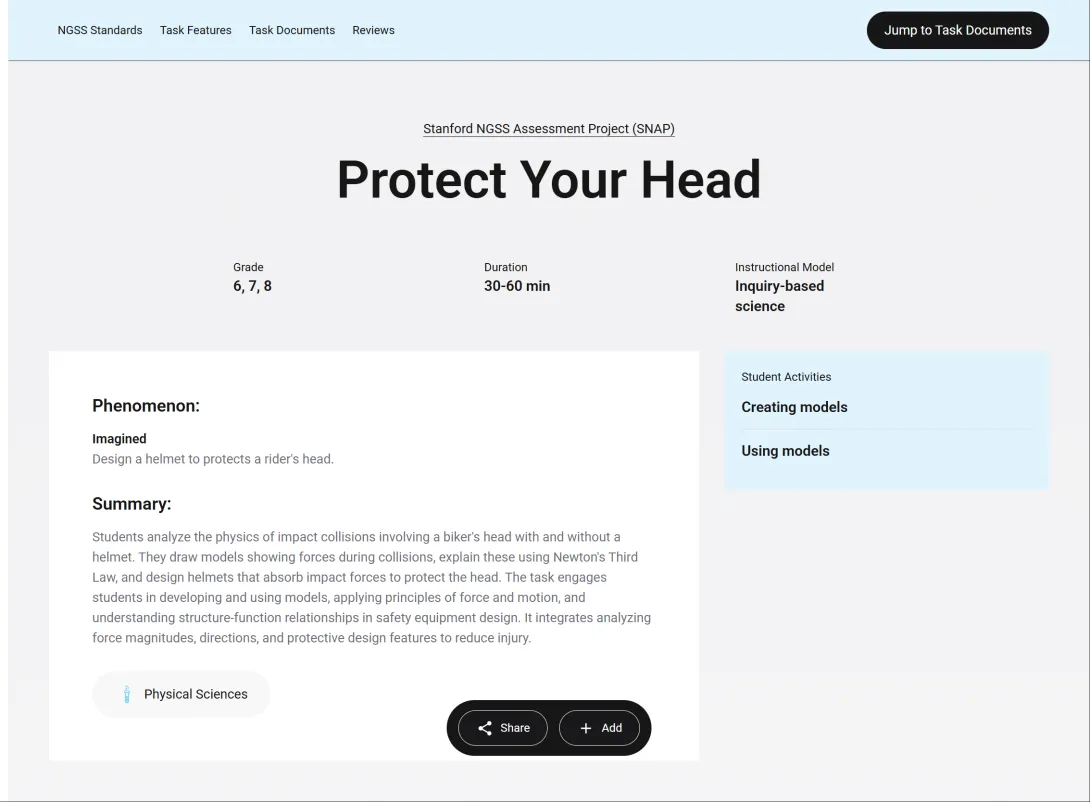
Section 2: What Will This Task Address?
This section shows the NGSS standards the task targets, so you can check it against your learning goals, and the Task Features that describe how the task works in a real classroom. Features are assigned through a structured review of each task by a panel of researchers and educators.
- NGSS standards. The three dimensions (Science and Engineering Practices, Disciplinary Core Ideas, Crosscutting Concepts) and the Performance Expectations the task addresses.
- Included elements. Open these links to see the specific elements of each standard the task addresses, for a more granular view.
- Task Features. Four gauges (Accessibility, Agency, Communication, Metacognition) and a set of Highlights that flag notable qualities, such as Culturally relevant or Authentic phenomenon.
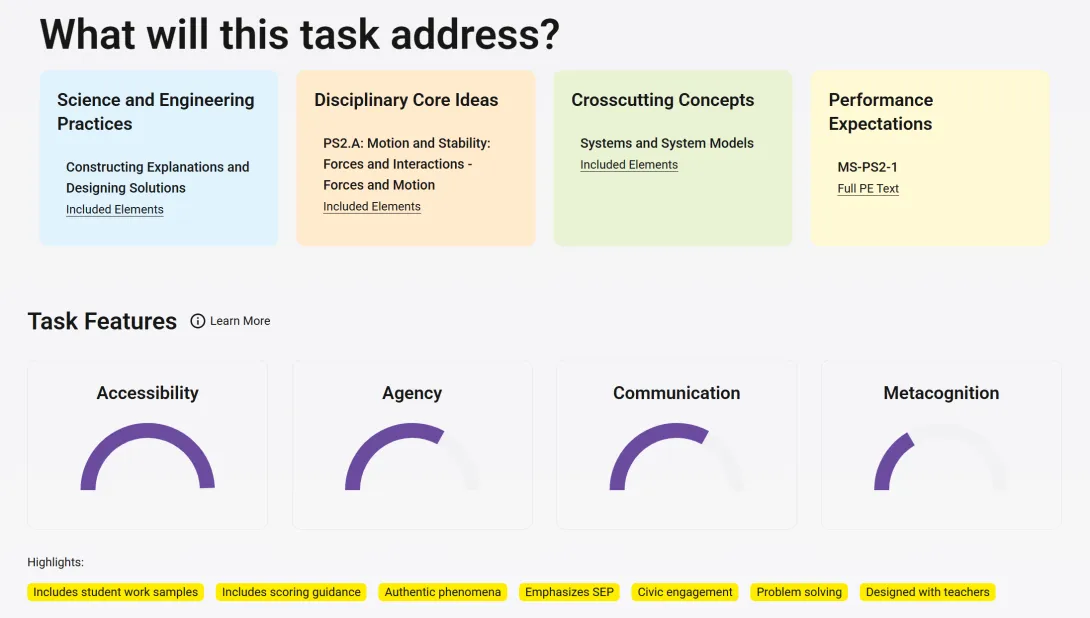
Section 3: Task Documents
When a task looks like a fit, this is where you preview and get the materials.
- About the Task Design. A short note on the task developer's design approach.
- Document previews. Preview panes for Preview Student Task and Preview Teacher Materials. Click a preview to open the full PDF.
- Access the Task. Four ways to get the materials:
- View Task Folder opens the task's Google Drive folder in a new tab.
- Copy Task Folder copies the whole folder into your own Google Drive, where you can edit your own copy.
- Download File downloads the folder as Microsoft Office files.
- External Link appears when additional materials are available on the developer's own site.
Note
The first time you use Copy Task Folder or Download File, you will be asked to authorize the tool to access your Google Drive. You only do this once.
Teacher Submitted Documents
Below the original materials, you can find adaptations other teachers have shared for this task, such as modified handouts, scaffolds, or student work samples. If you have adapted this task, click Submit a Document to share your version. See Reviews & Shared Documents for more on contributing to the ATLAS community.
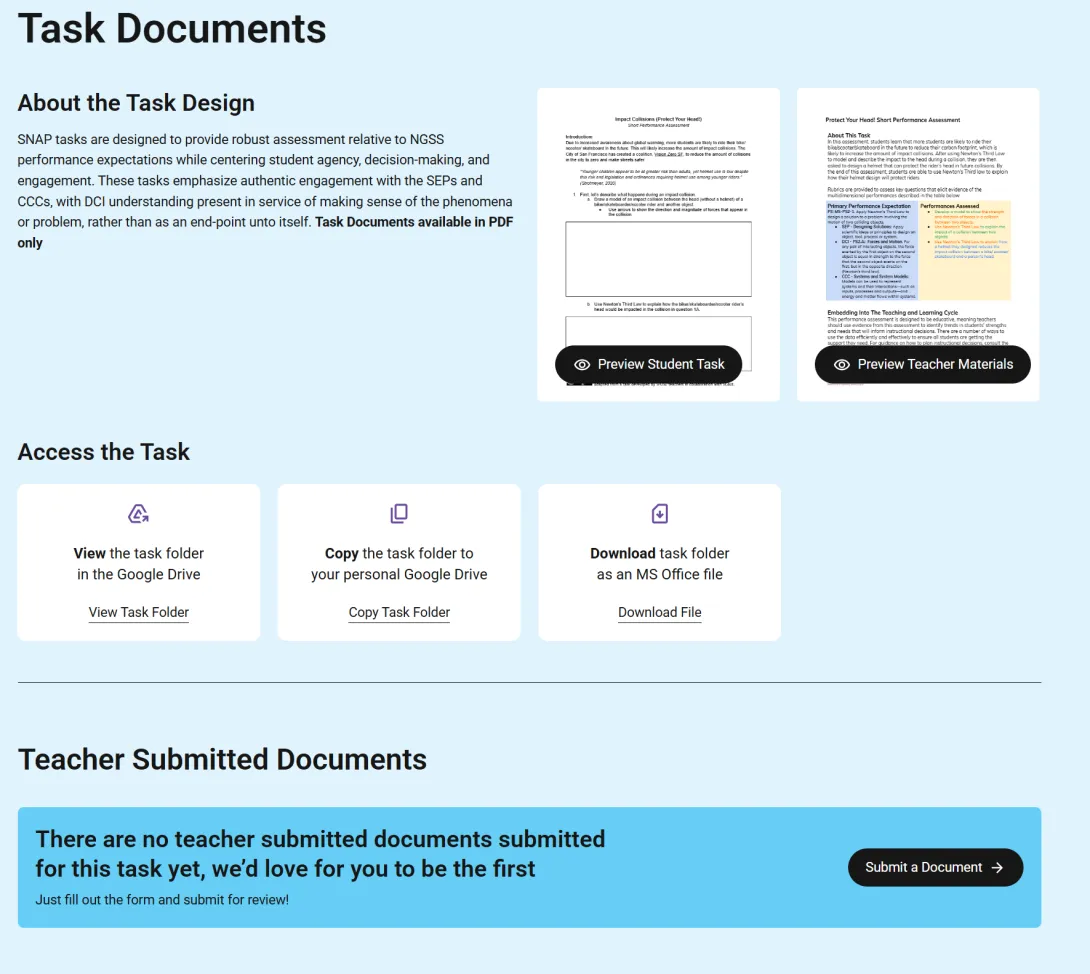
Section 4: Educator Feedback
At the bottom of the page you can share your experience teaching the task and read what other teachers found. You need an ATLAS account to leave a review. Please review only tasks you have taught.
- Rate your experience. Rate the task on three scales, Ease of Preparation, Ease of Implementation, and Student Engagement, and add an optional comment. Your ratings feed the Teacher Insights summary near the top of the page.
- Reviews and comments. Read peers' reviews, ask questions, and reply. The section works as a conversation, not just static feedback.
For more on reviewing tasks and sharing your adaptations, see Reviews & Shared Documents.